Last week, the class learned about how to make our own webpage. First we loged into our own account to access the labtop and changed the password. To make a webpage, we use a program called Notepad++. On the first line, the class was instructed to put tag html then add the body and title. After I write my name on the title, I skip more lines and put tag /html to close it. Now I save the file into a hyper text form on the desktop. Also we had a group challenged and figure out how to make a strong bridge out of spaghettis and wood glue.
Using Notepad++, we wrote what we have learned the week before in Dr.Neat's class.
We put the heading of the website and saved it to check what was written on the webpage. The class rules were also introduced.
The class fixed and got more information on how to decorate the website. Different tags such as b for bold and center was used to make website more interesting. I decicded to put my website title bold and big to the center. Dates are also moved to the center and we learned how to skip a line using a br tag.
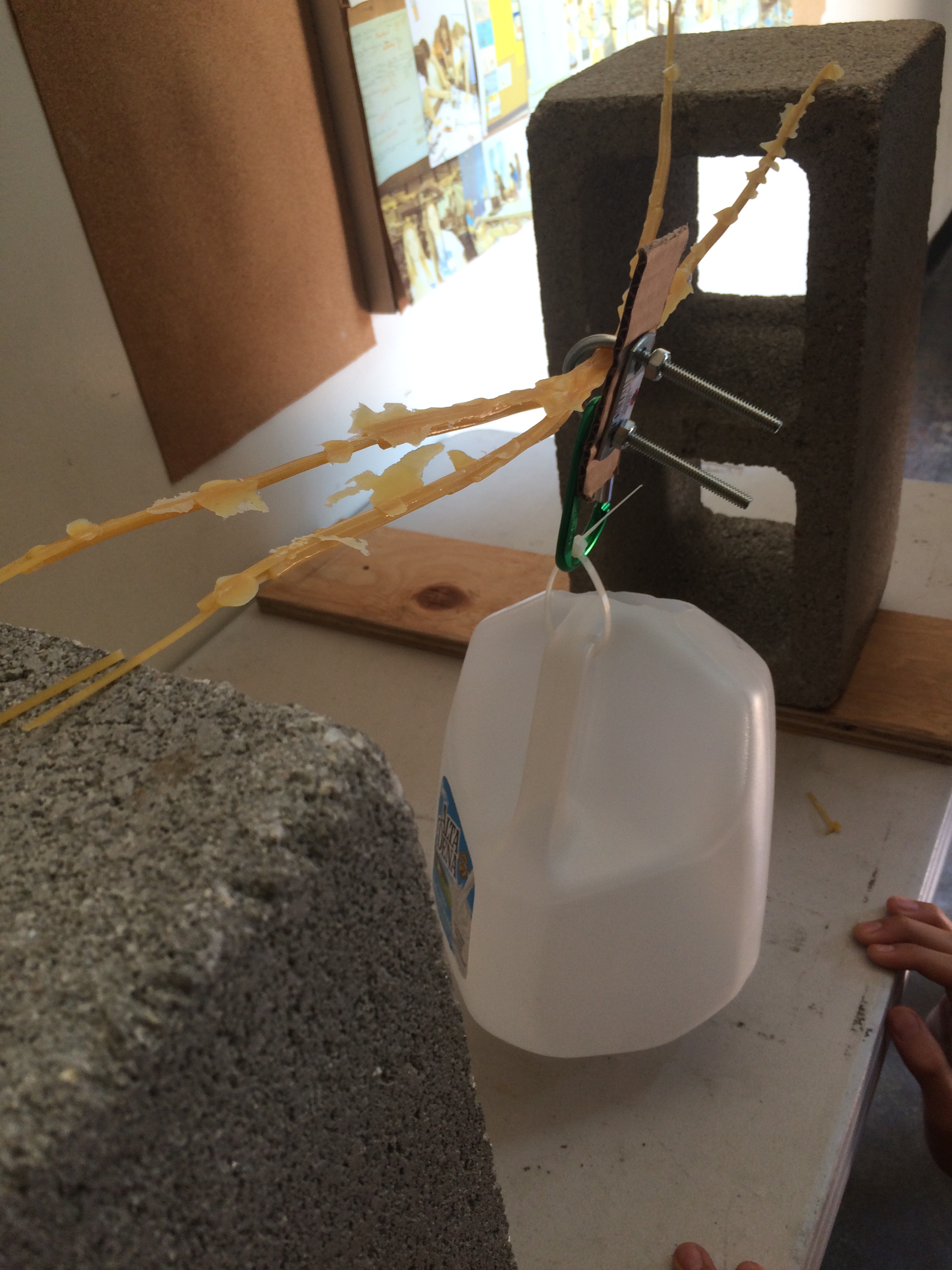
Using FileZila, we loged into program and typed the webpage address to chrome. Also, we continued working on the spaghetti bridge challenge in groups. Our group has two designs so far and the first one did not worked out as well as we thought it would. The spaghetti broke before we even put water to add weight to the bottle.
Even though it's not Wednesday, we worked on how to fill the Wednesday challenge templete that was given by Dr.Neat/ It was in a powerpoint form and had boxes for the group member's names, problem statement, approach, solutions, and lesson learned. We only filled the box for the group member's names and problem statement for now.
Finally it was Friday. The class worked on the team's bridges made out of spagehetti. Since our first and the second bridges did not worked out as well, I had to come up with an idea because we have used Sam and Derick's ideas before. My design was to glue the spaghettis by crossing each other in two ways which looks like a X. I moved onto gluing the bridge right away. Also we had a new member named Paul.
I had a voulnteering job on Saturday which made me to wake up early in the morning and go out on the weekend. It was my first time doing this job at the Saturday Korean School at Clark Magnet High School. I was the teacher's assistance at the 2nd grade class and moved every single time to check how the students were doing in class without talking, passing out papers, and collecting papers.
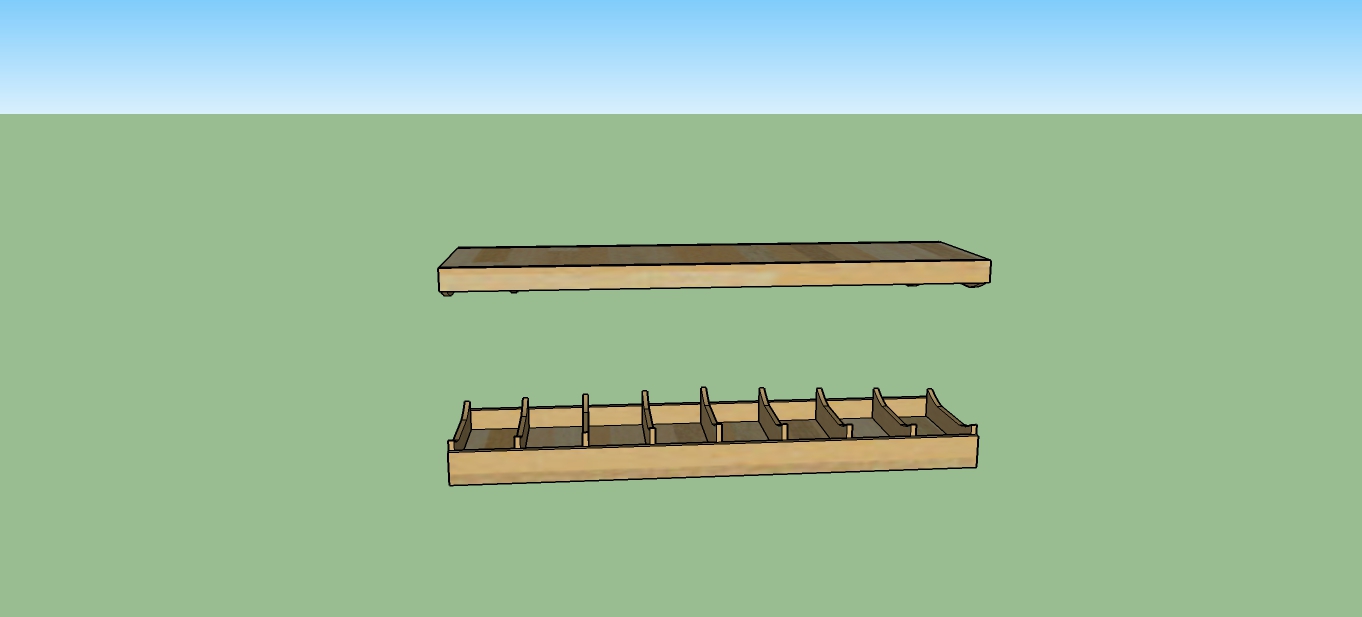
The class tried to log into FileZila however, the server was not working and no one was able to log in to the account. We just added more jounals of what we did to the website. After finishing the editing, Dr.Neat introduced sketch up to us and the model made by his son, Leo. Everyone was able to play with it for a while by moving and rotating the design to see how sketch up works. We tried to take a picture of the model to the computer, but it only took the photo of the skeleton version of the model.
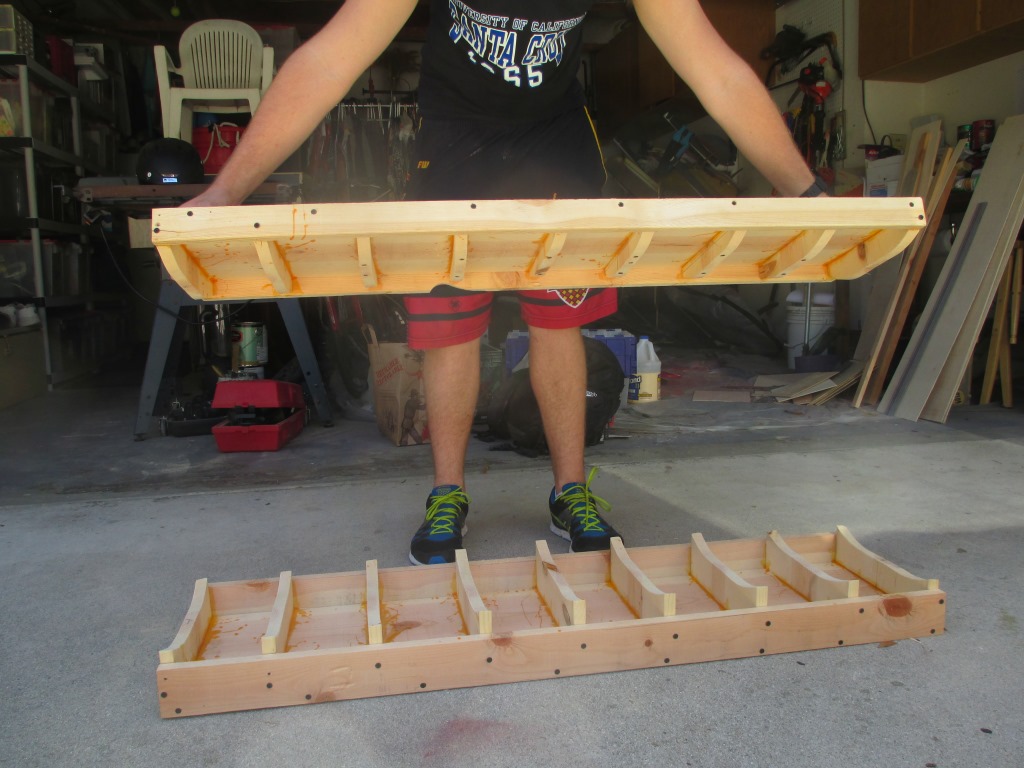
Dr.Neat taught the class about how to put images to our website. We downloaded two images name press and press1 which are the images of the long board
models. Then, we went to drneato.com to look at what sources were used. Simply copying the image code, we pasted onto Notepad++ and edited the name of the image, the length and the width.
As a group, we worked on our bridges today. I was able to test my design. The bridge in total weighs 33 grams. However, the bridge tend to
be bit shorter than 2 feet and we had to make the distance of the bricks shorter to able to test it. It was able to carry water more than its weight and had pretty nice support in the middle.
Our group still had one more chance using the spaghettis to make a bridge model so we decided to go with Paul's idea this time. His idea was to put some spagehettis in the middle like a train trail.
We went over how to use FileZila and log in once again to make sure we are getting how to do it. I learned how to put the fonts in colors
to make my website look more colorful. We added the yesterday's journal and learned how to put a link to our website. First, we save the file that we want to upload
as pdf file and put a tag href with the name.
Spaghetti Bridge Wednesday Challenge
The class had an opppurtunity to hear more about the JPL invention challenge from the veterans. They showed
the rules and how the competiton will be held on what date. We looked through several designs of how the water will be trasferred to the different cup
with the gold fish. Also we met Mr. Wilton who explained to us about the machine shop.
Mr. Wilton's Website
Dr. Neat told us that our websites will be graded next week so the class needs to make it live and update what we have. We learned how to add a website link using href to our website.
I also changed the color of the link font color.
Our team finsihed the final design of the bridge for the competition. The final design of the bridge is constructed simillar to a real bridge with support from the bottom to top. Unfortunately, we were not able to test this bridge since the competition was the day after.
The class had the bridge competition done. Every team recieved their grades based on the support weight and the weight of the bridge they had. The teams who had a good support all had similarities of having a common type of a real bridge. The designs were based on the real bridges which actually worked better than a straight bridge.